Decktopus AI Review: Features, Pricing & Performance
By admin-nam
Published on August 20, 2026 · 7 views
Key Takeaways
- Decktopus AI generates a complete 10-slide presentation in under 60 seconds using structured prompt inputs.
- The platform uses a rigid, block-based layout engine that prevents design errors but limits freeform customization.
- Exporting to PPTX format can result in flattened elements, making offline editing in PowerPoint challenging.
Creating professional presentations has historically been a time-consuming process, requiring hours of manual alignment, color coordination, and content structuring. Decktopus AI addresses this bottleneck by automating the entire design and content generation workflow.
This review provides an objective, operator-grade analysis of Decktopus AI. We evaluate its automated layout engine, content generation capabilities, export limitations, and pricing tiers to help you determine if this tool fits your professional workflow.
What Is Decktopus AI?
Decktopus AI is an automated presentation generator that uses artificial intelligence to build structured, formatted slide decks from text prompts. It eliminates manual layout design by dynamically adjusting elements based on content type.
Unlike traditional presentation software like PowerPoint or Google Slides, which operate on a freeform canvas, Decktopus AI uses a structured, block-based system. Users input their content, select a target audience, define the presentation goal, and let the AI generate the layout, copy, and visual assets. This approach prevents common design mistakes, such as misaligned text boxes or inconsistent color schemes, but it also introduces specific constraints regarding creative freedom.
Core Features and Automated Layout Engine
The core engine of Decktopus AI relies on structured templates and dynamic layout adjustments that automatically resize text, images, and charts to fit design guidelines. This system prevents users from breaking design rules or misaligning elements.
Prompt-to-Deck Generation
The generation process begins with a multi-step wizard. Users enter a topic, specify the target audience (e.g., enterprise executives, students, or potential investors), select a tone (e.g., formal, playful, or persuasive), and choose a presentation duration. The AI then generates a structured outline, which users can edit before the final slides are rendered.
Dynamic Layout Engine
Once the outline is approved, Decktopus AI generates the slides. Because the platform does not use a drag-and-drop interface, you cannot move elements freely across the canvas. Instead, you select from predefined layout variations (such as split-screen, single-column, or grid layouts). If you add more text to a slide, the layout engine automatically shrinks the font size and adjusts the surrounding elements to maintain visual balance.
The Decktopus AI editor uses a structured, block-based layout engine to keep designs clean and aligned.
Interactive Slide Elements
One of the unique capabilities of Decktopus AI is the integration of interactive elements directly into the slides. These include:
- Lead Generation Forms: Capture viewer information directly within the presentation.
- Feedback Forms: Gather audience responses during or after a presentation.
- Embedded Links and Videos: Integrate external media seamlessly without breaking the slide layout.
Performance, Speed, and Output Quality
Decktopus AI generates a standard 10-slide presentation in under 60 seconds, maintaining consistent typography and color palettes throughout. However, the output requires manual refinement for complex, data-heavy technical diagrams.
To evaluate the platform, we tested it with a complex prompt: "A quarterly business review for a B2B SaaS company focusing on customer acquisition cost (CAC) payback periods and net churn."
Generation Speed and Latency
The initial outline generation took 12 seconds, and the complete 10-slide deck was rendered in 42 seconds. The AI successfully structured the presentation, starting with an executive summary, moving to key metrics, and ending with an action plan.
Content Accuracy and Copywriting
The generated copy was coherent and contextually relevant. However, like most LLM-generated content, the text tended to be generic. It serves as an excellent starting point but requires manual editing to include company-specific data, precise metrics, and brand-specific terminology.
Export Limitations
While the on-platform performance is smooth, exporting presentations reveals some technical bottlenecks. Decktopus AI supports exports to PDF and PPTX (PowerPoint) formats. However, when exporting to PPTX, some complex layouts are flattened into static images rather than editable vector shapes. This makes offline editing difficult if you need to make last-minute adjustments in PowerPoint.
Decktopus AI Pricing and Value Analysis
Decktopus AI offers a tiered pricing model starting at $9.99 per month for the Pro AI plan, scaling to $36 per month for the Business AI plan. The free tier is highly restricted, serving primarily as a trial environment.
| Feature / Tier | Free Trial | Pro AI (Monthly) | Business AI (Monthly) |
|---|---|---|---|
| Price | $0 | $9.99 / month | $36 / month |
| AI Credits | Limited (One-time) | 750 credits / month | Unlimited |
| PDF/PPTX Export | View Only | Yes | Yes |
| Custom Branding | No | No | Yes (Logos, Fonts, Colors) |
| Form Responses | No | Limited | Unlimited |
| Custom Domain | No | No | Yes |
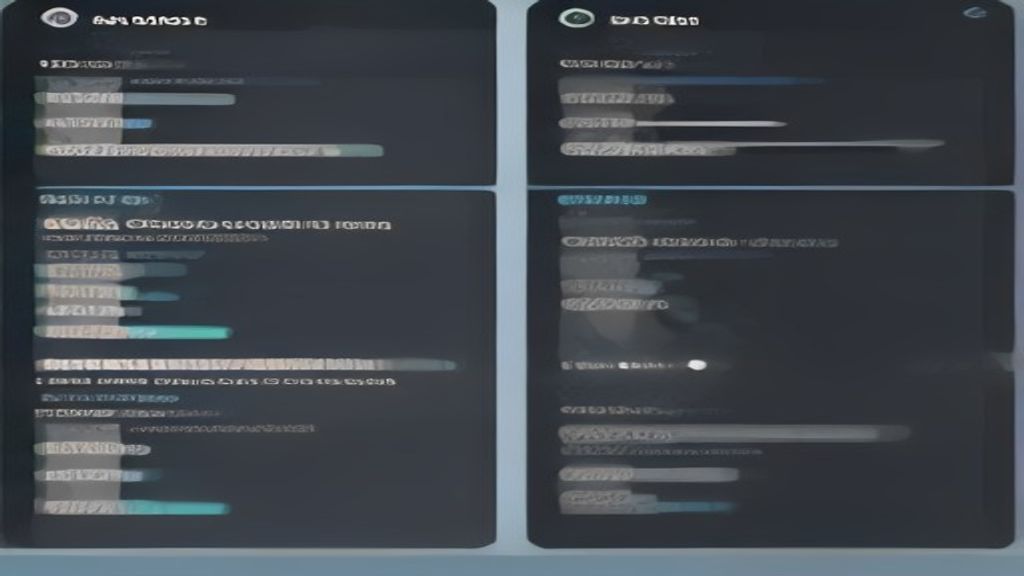 A comparison of Decktopus AI pricing tiers, highlighting the differences in credits, branding, and export options.
Value Assessment
For individual professionals, educators, or sales representatives who frequently build standard pitch decks or lectures, the Pro AI plan offers excellent value. The time saved by avoiding manual formatting easily offsets the monthly cost. However, marketing teams and enterprise users who require strict brand compliance, custom fonts, and collaborative workflows will need the Business AI plan to unlock custom branding and unlimited generation.
Pros, Cons, and Technical Bottlenecks
Decktopus AI excels at rapid prototyping and structured layouts but struggles with highly customized design requirements and offline editing. It is best suited for standard pitches, lectures, and reports rather than bespoke design agency work.
Advantages
- Extreme Speed: Generates complete, visually coherent decks in under a minute.
- Design Guardrails: The block-based layout engine prevents non-designers from creating ugly or misaligned slides.
- Interactive Features: Built-in forms and lead capture tools are highly effective for sales presentations.
- Clean UI: The interface is intuitive, requiring almost no learning curve.
Disadvantages
- Limited Creative Control: The lack of drag-and-drop editing can frustrate users who want precise control over element placement.
- Flattened PPTX Exports: Exported PowerPoint files do not always retain full editability.
- Generic AI Copy: The generated text requires manual editing to add depth and specific data points.
Final Verdict: Is Decktopus AI Worth It?
Decktopus AI is a highly efficient tool for professionals who prioritize speed and structure over custom creative control. If you need to build clean, professional presentations quickly and want to avoid the frustration of manual formatting, Decktopus AI is an excellent investment.
However, if your workflow requires complex data visualizations, custom vector illustrations, or extensive offline editing in PowerPoint, the platform's structural constraints and export limitations may feel restrictive. For these use cases, traditional design tools or more flexible AI design assistants may be required.
Recommended Offers
Decktopus AI is an AI tool for generating presentation slides.
Share To